Business account multifactor authentication is most effective when you prioritize accounts by the damage someone could cause if they were taken over. Rather than treating every login as equally urgent, start with accounts that control other users or systems, then protect the places where sensitive information and business access converge.
Multifactor authentication (MFA) requires a second proof of identity beyond a password. It can make stolen passwords less useful, but methods differ: some are much more resistant to phishing than others. The goal is to protect high-impact accounts first, select the strongest practical method each system supports, and make recovery secure enough that employees are not tempted to bypass the controls.
Which accounts should get MFA first?
Use this order as a starting point. Adjust it for how your business works and what each account can access. Protecting a priority group first is a rollout plan, not a reason to leave other accounts unprotected indefinitely.
- Administrator and identity-management accounts. Start with accounts that can create users, reset passwords, change security settings, or grant access to business systems. These logins can open doors well beyond one person’s mailbox. Use separate administrator accounts where supported, keep their permissions limited to administrative work, and choose a phishing-resistant method if available. For more on managing access, see managed identity and access management.
- Business email and account recovery channels. Email can contain sensitive conversations and may be used to reset passwords for other services. Protect employee mailboxes, shared mailboxes where supported, and any account used to recover access. Otherwise, an attacker who enters one mailbox may be able to pursue other business accounts through password resets.
- Remote access and vendor connections. Cover remote access tools, remote desktop gateways, virtual private network accounts, and vendor or service-provider logins. Ask vendors to use individual accounts rather than shared credentials, require MFA, and limit each account to the systems and tasks it needs. Remove access when the work ends. For related considerations, see security for remote work.
- File storage and sensitive business systems. Enable MFA for cloud storage, collaboration platforms, customer or patient information systems, finance tools, and other services holding confidential data. Consider who can share files externally or change permissions, not just who can view them.
- Remaining employee and business accounts. Expand MFA to the rest of the organization, including less frequently used services. Maintain an inventory of business accounts so that new tools and forgotten logins do not fall outside the rollout.
Administrator accounts deserve early attention because their permissions can affect many systems. That priority does not mean employee accounts can wait indefinitely: every account is a possible route into business information. A phased rollout helps you begin with the greatest potential impact while continuing toward broader coverage.
Which MFA methods offer the strongest protection?
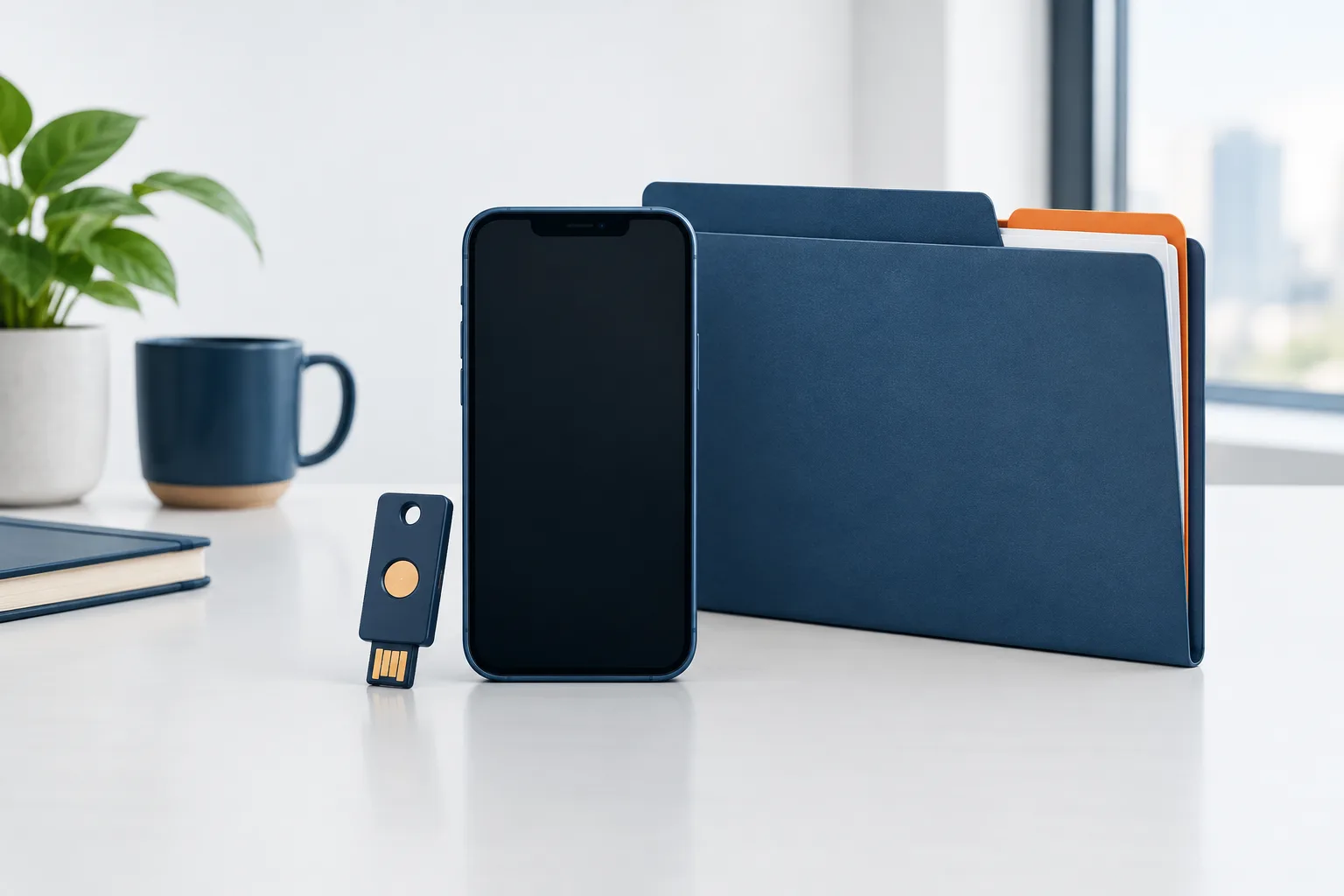
Security keys and built-in passkeys are strong choices when the service supports them. These use public-key authentication tied to the legitimate service, making them more resistant to common credential phishing than a code that a person can be tricked into sharing. CISA’s guidance on using multifactor authentication and NIST’s small-business MFA fact sheet offer further guidance on adding MFA to business accounts.
Security keys are physical devices that an employee uses to sign in. Passkeys can be stored on a device or managed through a platform, depending on the service and setup. Both can provide phishing-resistant sign-in, but the organization still needs a plan for issuing, managing, and replacing authenticators. Check that the account provider supports the method and that employees can use it across their work devices.
Authenticator apps are a useful option, but they are not all equally resistant to phishing. A time-based code from an app is generally a better choice than a text-message code when stronger options are unavailable, but a user can still be tricked into entering a code on a fake sign-in page. Push approval can also be abused if someone approves a request they did not initiate. Number matching, where the user must compare a number shown during sign-in, can help reduce accidental approvals. It is an interim safeguard, not a substitute for phishing-resistant MFA when that is available.
Text-message codes and email codes are weaker fallbacks. They can be exposed through attacks on the phone number, email account, or sign-in process. An email code also depends on securing the mailbox that receives it. If a system only offers these methods, use the strongest option it provides for now, protect the account used to receive codes, and track the system for a future improvement.
In short, prefer a supported security key or passkey for sensitive and administrative accounts. Where those are not available, use an authenticator app with careful sign-in habits, then use text or email codes only when stronger choices are unavailable. Review each system’s options rather than assuming one method works the same way everywhere.
Make vendor remote access part of the account plan
Vendor access is often overlooked because the account belongs to someone outside the company. It still deserves the same attention as employee access, especially when a vendor can connect remotely or reach systems containing business information.
- Require MFA for vendor accounts and remote connections wherever supported.
- Use an individual account for each person, not a shared login.
- Grant only the access needed for the agreed work, and review it when responsibilities change.
- Set an owner inside your business who knows why access exists and when it should end.
- Remove or disable the account promptly when the work is complete.
For remote access that cannot enforce MFA, document the exception, its business owner, and the steps used to reduce exposure. Avoid treating an unsupported system as a permanent reason to skip MFA on connected accounts. A broader review of access and system exposure can also help identify where to improve your business security posture.
Plan for lost devices and account recovery
A strong sign-in method should not become a single point of failure. Before rolling out security keys or passkeys, decide how an employee can recover access if a device is lost, replaced, or unavailable. Enroll a backup authenticator where the service allows it, and test the recovery process before relying on it.
Keep recovery steps controlled. Verify identity before resetting MFA, limit who can perform resets, and notify the account owner when recovery details change. Do not leave backup codes in an unprotected shared location. If an employee loses a key or phone, promptly revoke the lost authenticator, use the established recovery process, and check for unfamiliar account activity.
Maintain a simple record of systems that cannot enforce MFA, the reason for each exception, who owns it, and what compensating protections are in place. Revisit exceptions as systems and business needs change. For remote access, the PCI Security Standards Council also discusses practical safeguards in its article on securing remote access.
Frequently asked questions
Should administrator accounts get MFA before employee accounts?
Prioritize administrator and identity-management accounts early because they can control access across other systems. Then expand MFA across employee accounts promptly. The priority order is a way to stage implementation, not a reason to leave everyday accounts without protection.
Do business email, file storage, and remote access all need MFA?
Yes, include all of them in the rollout. Email can support account recovery, file storage may hold sensitive information, and remote access can connect users or vendors to business systems. Start with the accounts that have the greatest reach or sensitivity.
Are security keys or passkeys stronger than authenticator apps?
When supported and configured appropriately, security keys and passkeys offer phishing-resistant sign-in. Authenticator apps add a useful layer, but codes or approval requests can still be intercepted or manipulated through phishing. Choose based on the account’s importance and the methods its provider supports.
What should we do if an employee loses a security key or phone?
Use a tested recovery process, revoke the lost authenticator, and enroll a replacement or approved backup. Confirm the employee’s identity before resetting access and check the account for activity the employee does not recognize.
Build MFA into a wider access plan
Start with administrator and identity-management accounts, then cover email, vendor remote access, file storage, and the rest of your business logins. Prefer phishing-resistant methods for high-impact accounts, prepare safe recovery options, and keep track of systems that cannot yet meet the standard.
If you would like help reviewing account priorities, Zevonix offers a free security assessment. Contact the team at (904) 658-0777 to discuss a practical next step.